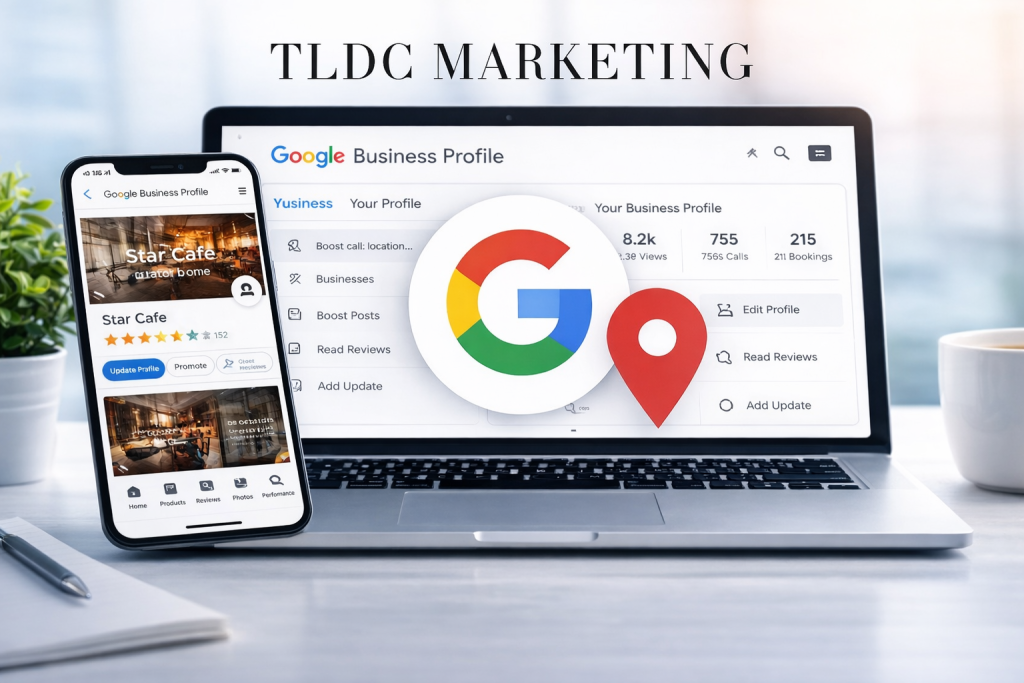
How to Improve Your Google Business Profile for More Local Leads
When people search for a service near them, one of the first things they often see is a Google Business Profile.
Whether they are looking for a lawyer, engineering company, hospital, marketing agency, coffee shop, or local supplier, your Google Business Profile can help decide whether they contact you — or your competitor.
That is why businesses should not treat it as something you set up once and forget. In 2026, your Google Business Profile is one of the most important tools for local visibility, trust, and lead generation.
If your business wants more phone calls, more direction requests, more website visits, and more enquiries from nearby customers, improving your profile is a smart place to start.
What Is a Google Business Profile?
A Google Business Profile is your business listing on Google that appears in:
- Google Search
- Google Maps
- local search results
- mobile location-based searches
It usually includes important business details such as:
- business name
- phone number
- website
- address or service area
- opening hours
- reviews
- photos
- services
- updates
For many people, this profile creates the first impression of your business before they even visit your website.
Why Your Google Business Profile Matters for Local Leads
A well-managed profile helps your business appear more professional, more active, and more trustworthy.
It can also help local customers quickly answer important questions like:
- Are you open?
- Where are you located?
- What services do you offer?
- Can they trust your business?
- Do you have recent reviews?
- Is there a website link or contact button?
When your profile is complete and active, it becomes easier for people to take the next step.
That next step could be:
- calling your business
- requesting directions
- visiting your website
- sending a message
- comparing your services with others nearby
That is what makes it a lead-generation tool, not just an online listing.
1. Complete Every Section of Your Profile
One of the simplest ways to improve your Google Business Profile is to make sure it is fully completed.
Too many businesses leave out valuable information or only fill in the basics.
Your profile should include:
- accurate business name
- correct phone number
- up-to-date website link
- physical address or service area
- business hours
- business category
- service descriptions
- products or offerings where relevant
- appointment or booking links if available
An incomplete profile can make your business look less trustworthy and less helpful to potential customers.
The more useful and accurate your profile is, the easier it is for customers to choose you.
2. Choose the Right Business Category
Your main business category helps Google understand what your business does.
This matters because it can influence when your profile appears in local searches.
For example, there is a difference between being listed as:
- marketing agency
- engineering consultant
- medical clinic
- recruitment agency
- industrial equipment supplier
Your primary category should reflect your core service as clearly as possible. Secondary categories can support that, but the main category should be chosen carefully.
Choosing the wrong category can reduce the quality of the traffic you get.
3. Write a Strong Business Description
Your business description should clearly explain:
- who you are
- what you do
- where you work
- what makes your business different
Avoid vague wording.
Instead of writing something general, make it practical and clear.
A strong description should mention your core services, your location or service area, and the kind of customer you help.
For example, if your business serves the Vaal Triangle, Meyerton, Vereeniging, Vanderbijlpark, Sasolburg, or surrounding areas, your description should naturally support that local relevance.
A good description helps both people and search visibility.
4. Add High-Quality Photos
Photos make a big difference.
Businesses with strong visuals often look more real, more active, and more trustworthy.
Depending on your industry, you can upload:
- logo
- office exterior
- office interior
- staff photos
- service photos
- product photos
- branded vehicles
- project images
- before-and-after work
- equipment or facilities
The goal is to help customers feel confident that your business is genuine and professional.
Clean, modern, branded images usually perform better than random or low-quality uploads.
5. Keep Your Contact Details Updated
This sounds basic, but it is one of the most common problems.
If your phone number, website link, address, or operating hours are outdated, you can lose leads immediately.
People searching locally usually want fast answers. If they call and the number is wrong, or click through to a broken website link, they may leave and choose another business.
Check regularly that your:
- phone number is correct
- website link works
- address is accurate
- trading hours are updated
- holiday hours are adjusted when needed
Small mistakes can cost real business.
6. Ask for Reviews — and Respond to Them
Reviews are one of the strongest trust signals on a Google Business Profile.
They help potential customers see whether others had a good experience with your business.
A strong review strategy should include:
- asking happy customers for reviews
- making it easy for them to leave one
- responding professionally to positive reviews
- handling negative reviews calmly and constructively
Even your replies matter.
A thoughtful response shows that your business is active, engaged, and serious about customer service.
A profile with fresh reviews often looks more credible than one that has been quiet for months.
7. Add Services and Products Properly
Many businesses miss out by not listing their services clearly.
Do not assume customers will click through to your website to figure everything out.
Use your profile to highlight key services directly.
Examples might include:
- SEO services
- Google Ads management
- web design
- engineering services
- recruitment solutions
- valve supply
- filtration systems
- medical services
- legal services
When your services are properly listed, your profile becomes more useful and can attract better-qualified leads.
8. Post Regular Updates
Google Business Profile updates help show that your business is active.
Regular posts can include:
- company news
- service highlights
- blog links
- special offers
- event promotions
- seasonal messages
- product launches
- educational tips
This does two things:
- it keeps your profile looking fresh
- it gives customers more reasons to engage with your business
A neglected profile can create the impression that your business is inactive, even when it is not.
9. Use Local Language Naturally
If you want more local leads, your profile should reflect the areas you serve.
This does not mean stuffing location names everywhere. It means naturally including relevant places where appropriate.
For example:
- Vereeniging
- Vanderbijlpark
- Meyerton
- Sasolburg
- Alberton
- Three Rivers
- Vaal Triangle
This helps connect your business with nearby customers who are searching for services in those areas.
Local SEO works best when your content feels natural, clear, and relevant.
10. Match Your Profile to Your Website
Your Google Business Profile should not feel disconnected from your website.
Your branding, services, contact details, and messaging should align across both.
This means:
- same business name style
- same phone number
- same service focus
- same local areas served
- same tone and professional image
When your profile and website support each other, your online presence becomes stronger and more trustworthy.
Common Mistakes That Can Hurt Local Leads
Many businesses lose opportunities because of simple profile mistakes.
These include:
- incomplete profile information
- wrong category selection
- outdated hours
- poor-quality images
- no recent reviews
- no profile updates
- inconsistent business details
- missing services
- weak business description
These issues may seem small, but together they can reduce trust and visibility.
What a Strong Google Business Profile Should Achieve
A well-optimised profile should help your business:
- appear more professional
- attract more local attention
- generate more calls and clicks
- support Google Maps visibility
- build trust with reviews and visuals
- turn search traffic into real enquiries
That is why it should be managed as an active marketing asset, not just a directory listing.
A Smart Local Strategy for 2026
If your business wants more local leads in 2026, your Google Business Profile should be part of a bigger digital strategy.
That strategy should include:
- a fully optimised profile
- strong service-focused website pages
- local SEO support
- fresh reviews
- regular updates and images
- consistent contact information
- useful blog content linked to your services
When these pieces work together, your business becomes easier to find and easier to trust.
TLDC Marketing’s View
At TLDC Marketing, we believe a Google Business Profile should do more than simply exist.
It should support:
- local visibility
- stronger trust
- better brand presentation
- more qualified leads
- better connection between your business profile and website
In a competitive local market, the businesses that win are often the ones that look the most complete, the most active, and the most credible online.
Final Thought
Your Google Business Profile may be one of the first things people see when they search for your business or services nearby.
That means it can either help you gain a lead — or lose one.
If you want more local enquiries, more calls, and stronger visibility, improving your Google Business Profile is one of the smartest marketing moves you can make.
Do not leave it half-done.
Do not leave it outdated.
And do not underestimate how powerful local search visibility has become.
FAQ Section
How do I improve my Google Business Profile?
Start by completing every section, choosing the right category, adding quality photos, updating contact details, listing your services clearly, and asking customers for reviews.
Does Google Business Profile help with local SEO?
Yes. A strong Google Business Profile supports local visibility and can help your business appear more relevant to nearby searches.
Why is my Google Business Profile not getting leads?
Common reasons include incomplete information, weak descriptions, poor images, no recent reviews, wrong categories, or a lack of regular updates.
How often should I update my Google Business Profile?
You should review it regularly and keep it active with updated hours, fresh images, new reviews, and ongoing posts where relevant.
Contact Ninya Today
Experience you can trust
Working in the corporate world since 2000, Ninya brings over two decades of hands-on experience in brand building, graphic design, website design & development, and project management.
Digital marketing with real results
Ninya is a commercially driven marketer with a proven track record of delivering creative, practical marketing solutions across a wide range of industries—focused on performance, clarity, and measurable outcomes.
Clear communication, smooth delivery
From strategy to execution, Ninya analyses your requirements, keeps communication simple and consistent, and ensures projects are delivered efficiently—supported by a strong passion for the digital world and its impact on business today.
Areas we service
TLDC Marketing operates across the Vaal Triangle and surrounding areas, including Vanderbijlpark, Vereeniging, Three Rivers, Meyerton, Sasolburg, Naledi, Vaalpark, and outlying regions.